Deployment Detection
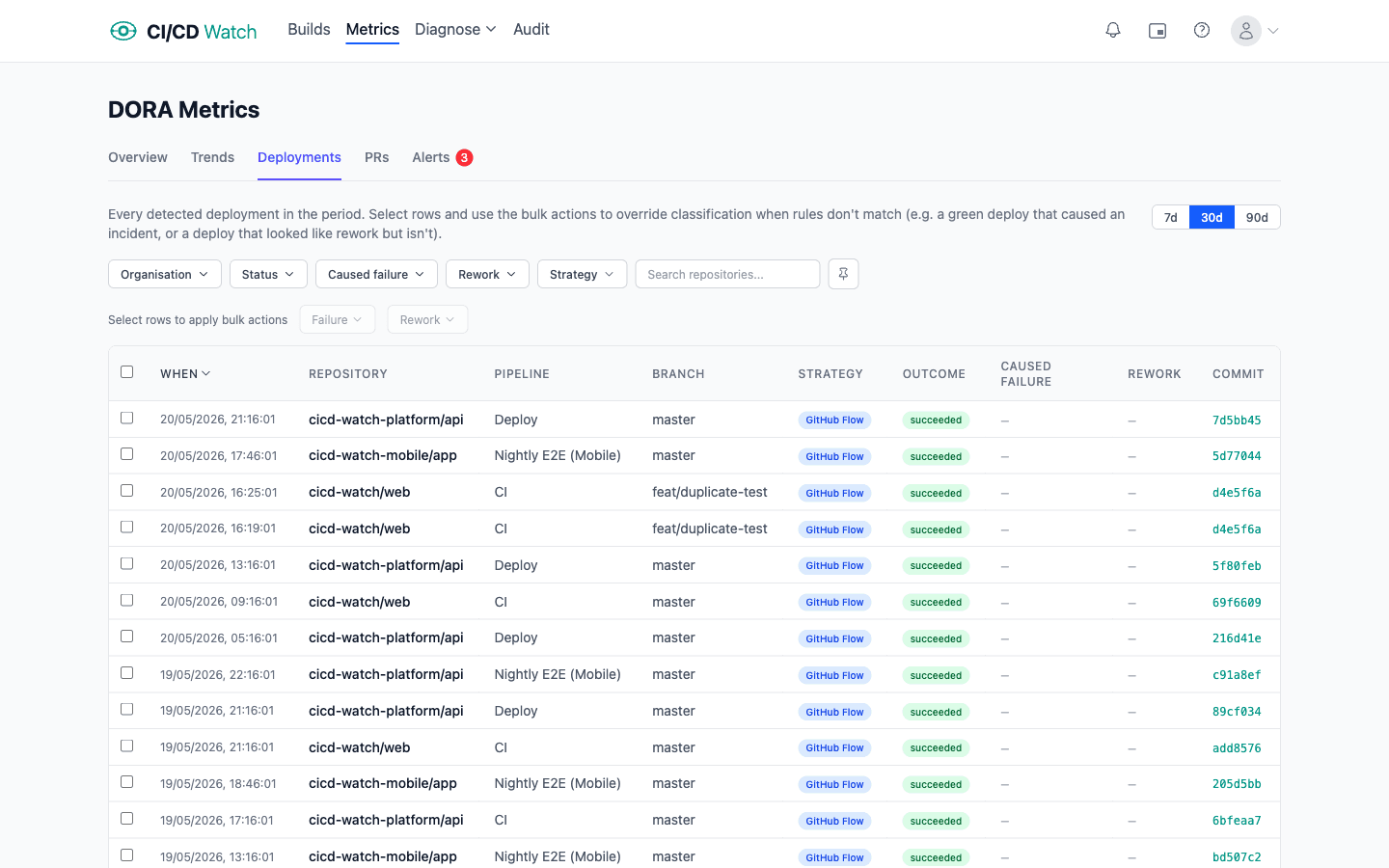
CI/CD Watch needs to know which pipeline runs represent production deployments. This powers DORA metrics, stability analysis, and cost calculations. Deployment detection is configured per connection and uses branch and pipeline name patterns to match runs.
Default Rules
Out of the box, CI/CD Watch uses these defaults:
| Setting | Default |
|---|---|
| Branch patterns | main and master |
| Pipeline patterns | Empty (all pipelines match) |
How Matching Works
A pipeline run counts as a deployment when all of the following are true:
- The run's status is "succeeded"
- The branch matches one of the configured branch patterns
- If pipeline patterns are set, the pipeline name matches one of the configured pipeline patterns
If no pipeline patterns are configured, all pipelines on matching branches are considered deployments.
Glob Syntax
Branch and pipeline patterns support glob syntax for flexible matching:
| Symbol | Meaning |
|---|---|
* | Matches any sequence of characters |
? | Matches a single character |
Matching is case-insensitive. Examples:
release/*matchesrelease/v1.0Deploy*matchesDeploy to prod
Configuring Deployment Rules
You can set branch patterns and optional pipeline patterns per connection in your connection settings. This lets different repositories use different deployment strategies, for example, one repo might deploy from main while another uses release/* branches.
What Deployment Detection Affects
Getting deployment detection right is important because it directly affects several core metrics:
- DORA metrics
- Only runs identified as deployments are counted for Deployment Frequency and Lead Time for Changes.
- Change Failure Rate
- Calculated from all completed runs (succeeded and failed) on deployment branches.
- Failed Deployment Recovery Time
- Measured from failure-to-success sequences on deployment branches.
Related
- DORA Metrics , how deployment detection powers Deployment Frequency and Lead Time
- Pipeline Stability , stability of deployment pipelines
- Connection Settings , configuring deployment branch and pipeline patterns