Team Members
Manage who has access to your CI/CD Watch organisation and what they can do.
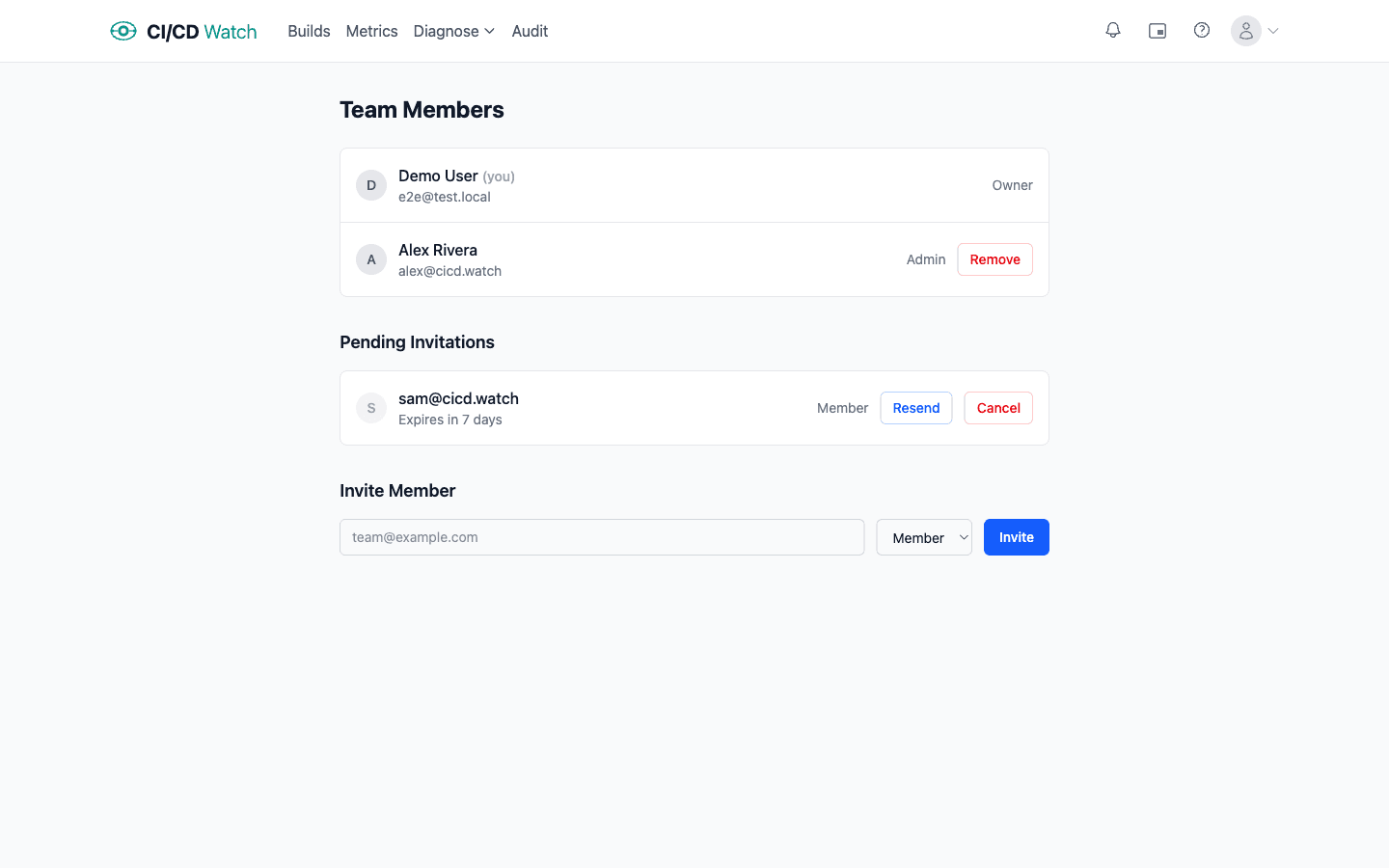
- Roles
- Three roles control access: Owner (full access, billing, can delete the organisation), Admin (manage members, connections, and settings), and Member (read-only access to dashboards and data).
- Inviting members
- Admins and owners can invite new members by email with a chosen role (Member or Admin). Invitations expire after 7 days and can be resent or cancelled from the pending invitations list.
- Removing members
- Admins and owners can remove any non-owner member from the organisation. Removed members immediately lose access to all dashboards and data.
- Plan limits
- The number of team members is limited by your plan. When you reach the limit, an upgrade prompt appears in place of the invite form.
Role permissions
Each role has a specific set of permissions that controls what members can see and do within your organisation.
| Permission | Member | Admin | Owner |
|---|---|---|---|
| View dashboards & data | ✓ | ✓ | ✓ |
| Manage connections | , | ✓ | ✓ |
| Change settings | , | ✓ | ✓ |
| Invite & remove members | , | ✓ | ✓ |
| Manage API keys | , | ✓ | ✓ |
| Billing & plan changes | , | , | ✓ |
| Delete organisation | , | , | ✓ |