Notifications
Configure how you and your team receive notifications about pipeline events and alerts.
CI/CD Watch supports two notification channels: in-app notifications (available on all plans) and Slack integration (Team plans and above). In-app notifications appear in real time via the bell icon in the app header. Slack notifications can be routed to channels for team visibility or sent as direct messages to individual users.
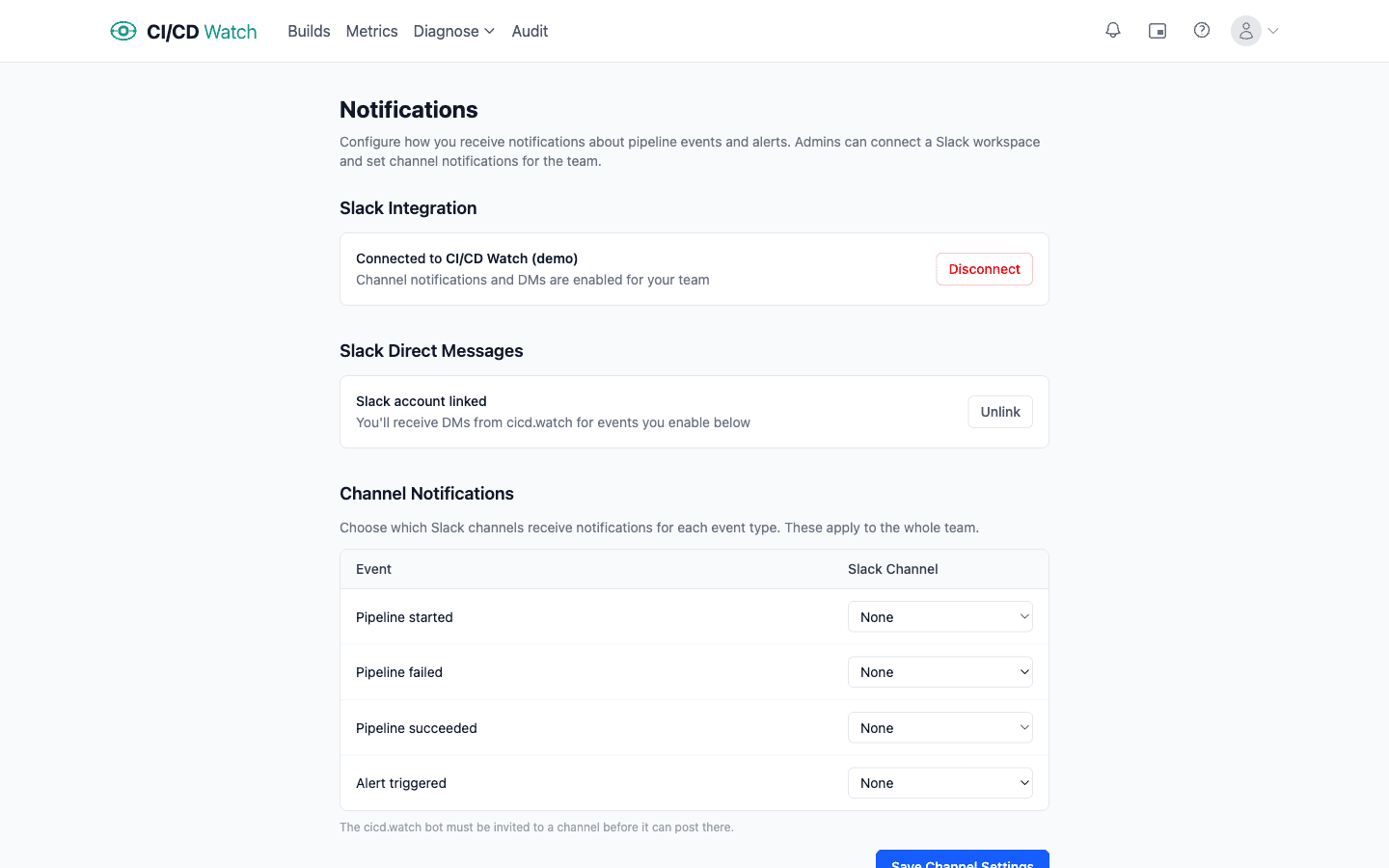
Slack Integration
Admins can connect a Slack workspace to enable team-wide notifications. Click Connect Slack to authorise via OAuth. Once connected, the workspace name is displayed alongside a Disconnect button.
Slack Direct Messages
Once your team's Slack workspace is connected, individual users can link their Slack account to receive personal DM notifications. Linking is done through the CI/CD Watch Slack app, follow the instructions shown on the notifications settings page. You can unlink your account at any time.
Channel Notifications
Admins can route notifications to specific Slack channels. For each event type, choose a channel from a dropdown of channels available in your connected workspace:
- Pipeline started
- Pipeline failed
- Pipeline succeeded
- Alert triggered
Personal Preferences
Each user can choose which events they want to be notified about and through which channel. A table shows every event type with toggles for:
- In-app, always available, shows notifications in the app header
- Slack DM, available when your Slack account is linked
By default, in-app notifications are enabled and Slack DMs are disabled for all event types.